Note
Docker Is the Starting Line, Not the Boundary: Mapping Every Bridge Out of Agent Zero
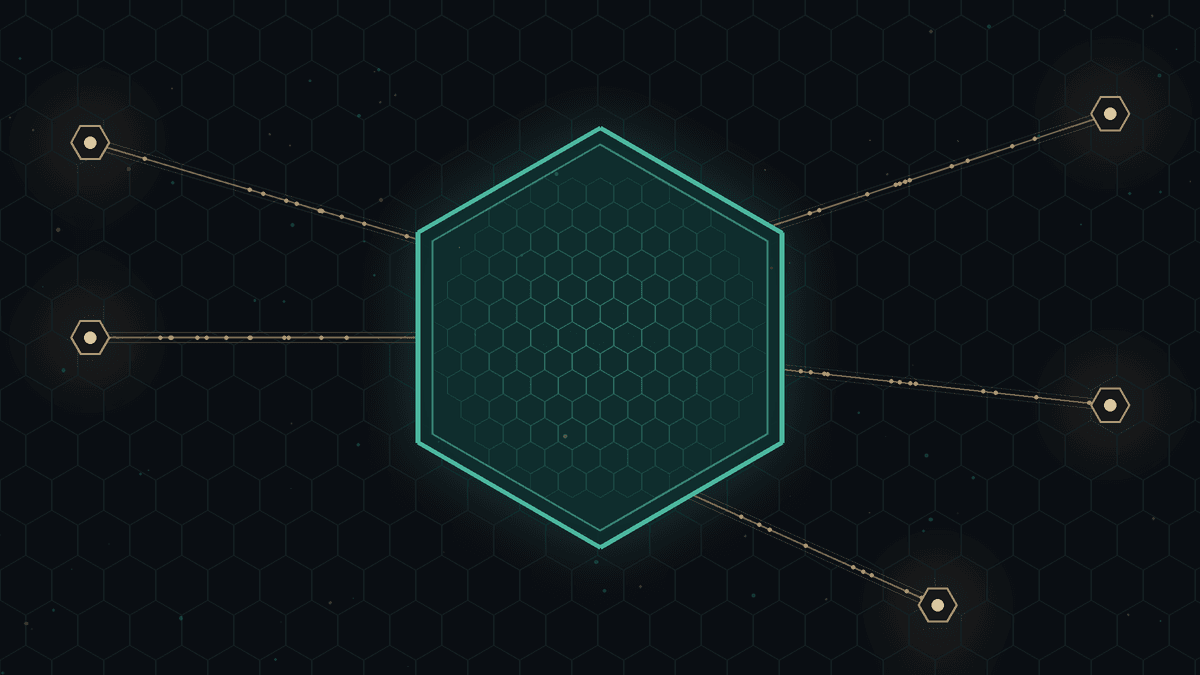
Agent Zero's container is the default starting position, not the security boundary. The real boundary is the sum of the bridges you enable: which model endpoints each slot talks to, whether the host connector may read files or run code, which browser it drives, and which plugins, MCP servers, and extensions you install.
2026-10-16 · local-ai, agent-zero, agents, docker, trust-boundary, host-bridge, browser-automation, mcp, plugins, model-presets, self-hosting, civil-liberties
Listen · 10 min · AI voice
Agent Zero describes itself plainly: "Give your agent a full Linux computer." It is an open agent framework that ships a Dockerised XFCE desktop, a Chromium browser the agent can drive, projects with their own memory and secrets, a plugin hub, MCP support, subordinate agents, and a bridge back to your real machine. Version v2.14 landed on 13 October 2026 with faster startup, a LiteLLM upgrade, and a simpler Host/Container browser switch.
People often sum this up as "it runs in Docker, so it's sandboxed." The project's own docs are more careful.
Thesis, stated once: Agent Zero's container is the default starting position, not the security boundary. The real boundary is the sum of the bridges you enable: which model endpoints each slot talks to, whether the host connector may read files or run code, which browser it drives, and which plugins, MCP servers, and extensions you install. "It runs in Docker" tells you where the agent lives. It does not tell you what it can reach.
This builds on our earlier note on tools and MCP trust boundaries, which made the same point for a single tool loop. Agent Zero is that idea scaled up to a whole workstation.
What the container actually gives you
The minimal install is one command from the README: docker run -p 80:80 -v a0_usr:/a0/usr agent0ai/agent-zero. That gives you three concrete things:
- A separate filesystem. The agent's work lives in a named volume mounted at
/a0/usr. It does not see your home directory unless you mount it, and the README's safety section says outright: "Do not mount your entire home directory unless you understand the risk." - A separate browser and desktop. The default browser is "a separate browser inside Agent Zero's Docker environment," per the browser guide.
- A published web port. Docker's own port-publishing docs warn that "publishing container ports is insecure by default": a plain
-p 80:80makes the UI reachable from the network, not just your machine, unless you bind it to127.0.0.1. The installation guide gives you a UI username and password, and tells you to set them before creating a remote-access tunnel.
That is a real starting boundary. Everything below is an opt-in door in it, and most of them are worth opening.
Bridge one: every model slot is its own egress decision
Agent Zero doesn't have one model. The installation guide lists a chat model, a utility model for "memory organization and summarization," and an embedding model. Browser work can use its own Browser LLM Preset, and v2.11 added a vision sidecar slot. Model presets let you switch between "fast, balanced, cheap, local, or high-power" setups with a click.
Each slot points at a provider. The embedding model runs locally on CPU by default. Ollama, llama.cpp, vLLM, and oMLX are documented with defaults such as http://host.docker.internal:11434. But v2.14 also routes Nebius, Venice, Z.AI, and OpenRouter through LiteLLM, and the README promotes signing in with an OpenAI Codex plan.
So "I'm using a local model" is only true for the slot you checked. The guide itself notes that very small utility models "often fail" at memory consolidation and suggests 70B-class or cloud "flash/mini" models, which is exactly the kind of advice that quietly moves your memory summaries off the machine. Before you call the setup local, check all five slots.
There's a second-order cost too. To reach a host-side model server from inside Docker, the guide tells you to have llama.cpp or the model server listen on 0.0.0.0 and "keep the port firewalled to trusted clients." Keeping inference local can mean exposing an inference port on your network. That's fine if you firewall it, and a quiet leak if you don't.
Bridge two: the host connector has two switches, not one
The A0 CLI Connector "is the intentional bridge for moments when you want Agent Zero to work with your real files, terminal, or browser on the host machine." It installs on the host, not in the container, and connects to a running instance, local or remote.
Once connected, two separate toggles matter: F3 turns host file read/write access on or off for the session, and F4 turns remote code execution through the session on or off. The README's safety model asks you to grant read/write and remote code execution "only for machines and workspaces you trust."
The point here is that the connector reverses the container's job. With F3 and F4 on, the container is where the agent thinks; your host is where it acts. v2.14 also made Host Computer Use sessions "start automatically on the first action within the same tool call," which is convenient and also one less pause before host-side actions.
Bridge three: whose browser, whose cookies
The browser has two modes. The Docker browser keeps the agent's browsing inside the container. Since v2.10, though, all chats share one persistent Chromium, and "sign-ins are shared across chats while tab ownership and limits remain per-chat." Projects isolate memory, secrets, files, and model choices, per the projects guide, but a site you logged into for one project is still logged in when another project's chat opens that browser.
Bring Your Own Browser goes further. It drives a Chrome-family browser on your host through remote debugging, and the docs are blunt: remote debugging "gives the connected app full control of that browser session, including access to saved data, cookies, site data, and navigation." The guide suggests a separate A0 browser profile with its own cookies if you don't want the agent in your everyday window.
There's a useful policy here. Page content access can be set to "Local models only," which blocks host-browser page text and screenshots "unless the active chat model is local." That's a genuine data-residency control, and it's tied to the chat slot, which is another reason to know what each slot points at.
Bridge four: everything you install is code
The Plugin Hub lists "more than 100" community plugins. MCP servers are often launched with npx or uvx, and the MCP setup guide opens with a checklist that starts "You trust the package or URL" and "You know where it will run." Chrome extensions in the Docker browser "can still change what happens in that browser."
None of these are flaws; they're why the framework is useful. But each is third-party code running with the agent's privileges, and the container only shields your host from it if bridges one to three stay closed.
The control plane: tool policies
Agent Zero does give you a lever. v2.9 introduced scoped tool, MCP, and skill policies: per-profile and per-project allow/block rules "enforced across prompts, schemas, connectors, execution, and delegated agents," with blocked tools removed from rendered prompts. The /permissions command opens them from chat. Because restrictions follow delegation, a subordinate agent can't quietly regain a tool its parent was denied.
The same release notes list a fix for an SSRF regression in document queries (CVE-2026-4308), where remote downloads could reach private network targets. That's a reminder that the framework's own fetchers are part of the boundary, so staying current is part of the security model, not just a way to get features.
Why this matters beyond one tool
Agent Zero advertises that it runs "from a $6 VPS or Raspberry Pi to a local workstation." That range appeals to people anywhere who can't or won't hand their work to a hosted assistant: researchers with sensitive sources, small organisations on modest hardware, people facing unreliable connectivity or intrusive data laws. But a VPS instance means the "full Linux computer" is in someone else's datacentre, and a tunnel makes it reachable from anywhere. Self-hosting gives you the ability to draw the boundary. It doesn't draw it for you.
What this is not
This is not a review or ranking of Agent Zero against other agent frameworks, and not a claim that it is unsafe. Its docs are unusually candid about risk. It is not an installation tutorial or a hardening checklist. It doesn't teach sandbox escape, bot-detection evasion, or getting around consent prompts. It makes no claims about model accuracy, and it has nothing to do with tokens, prices, custody, or trading. Version details were checked against v2.14 (13 October 2026). v2.15 has since shipped (2 November 2026), and versions will keep drifting, so check the release notes in front of you.
The practical takeaway fits on one line: list every model slot's endpoint, the state of F3 and F4, the browser mode, and every plugin and MCP server, and that list is your boundary. The container is just where the list starts.
Related on CryptoDecentral
- Decentralised / local AI pillar
- Inference Residency Is Not Action Residency: Tools, MCP, and Local LLMs
- DeepSeek Harness on a Local Stack
- Local Chat Is Not Data Residency: RAG, Embeddings, and Vector Stores
- Local and Peer-to-Peer AI: Data Residency Without the Hype
Further reading (primary)
- agent0ai/agent-zero README (features and safety model)
- Agent Zero v2.14 release notes
- Agent Zero v2.15 release notes
- Agent Zero v2.10 release notes (shared browser runtime)
- Agent Zero v2.9 release notes (scoped tool policies, CVE-2026-4308 fix)
- A0 CLI Connector guide (F3/F4 toggles, host browser)
- Browser guide (Docker vs host, page content access)
- Projects guide (variables and secrets)
- MCP setup guide
- Installation guide (model slots, local servers, authentication, tunnel)
- Docker: port publishing and mapping
Sources
- https://github.com/agent0ai/agent-zero
- https://github.com/agent0ai/agent-zero/releases/tag/v2.14
- https://github.com/agent0ai/agent-zero/releases/tag/v2.15
- https://github.com/agent0ai/agent-zero/releases/tag/v2.10
- https://github.com/agent0ai/agent-zero/releases/tag/v2.9
- https://github.com/agent0ai/agent-zero/blob/main/docs/guides/a0-cli-connector.md
- https://github.com/agent0ai/agent-zero/blob/main/docs/guides/browser.md
- https://github.com/agent0ai/agent-zero/blob/main/docs/guides/projects.md
- https://github.com/agent0ai/agent-zero/blob/main/docs/guides/mcp-setup.md
- https://github.com/agent0ai/agent-zero/blob/main/docs/setup/installation.md
- https://docs.docker.com/engine/network/port-publishing/